Edit with Copilot in Excel Guide.
Edit with Copilot in Excel Guide

Enter your details below:

You’ll also receive our newsletter covering AI in finance and key finance insights. Unsubscribe anytime.

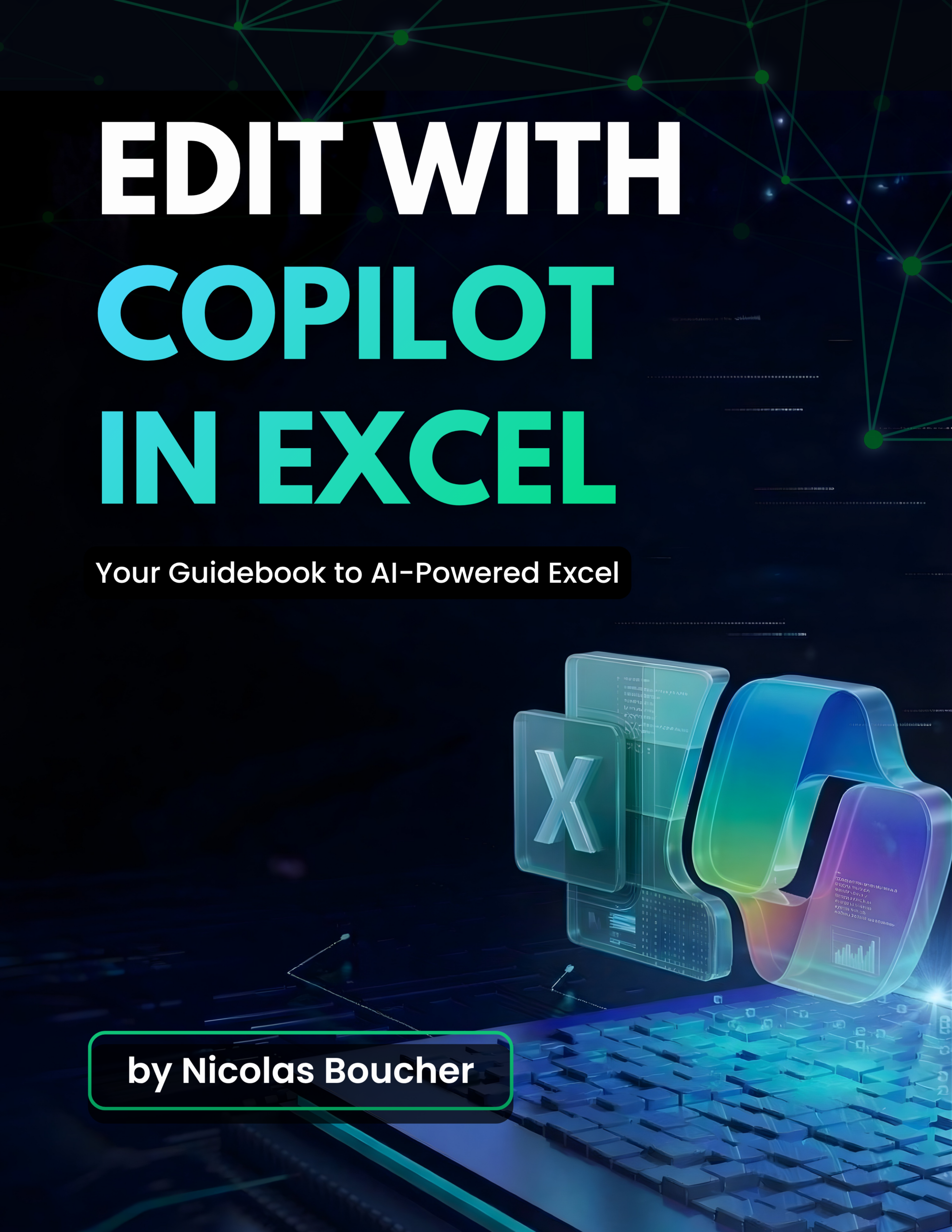
A practical guidebook by Nicolas Boucher designed for finance professionals who want to use Microsoft Copilot’s Edit with Copilot feature to build financial models, dashboards, and reports directly in Excel using plain-English prompts.

It covers five real-world financial use cases, from building a SaaS revenue model from scratch to consolidating multi-tab sales data and generating management dashboards ready for executive presentations.

Inside the guide:

  • Step-by-step setup instructions for activating Edit with Copilot in Microsoft 365
  • Five hands-on financial use cases with exact prompts you can copy and use
  • AI model selection guide (Auto, GPT-5.2, Claude Opus 4.6) with use-case guidance
  • Audit and error-correction workflow to review and fix Copilot outputs before sharing
  • Tips, best practices, and limitations for finance-specific Excel work

Register for the Masterclass

How to Become an AI CFO.

Tuesday, July 28.

11am EST, 4pm UK, 5pm CET

By signing up, you agree to this website’s Privacy Policy.
You agree to receive SMS reminders from AI Finance Club GmbH about webinars you register for.
Message and data rates may apply. Frequency varies. Text STOP to unsubscribe. Also, you will be subscribed to our newsletter. You may unsubscribe at any time.

Days
Hours
Minutes
Seconds

Tuesday, July 28 | EST: 11am, UK: 4pm, CET: 5pm

Learn how to Become an AI CFO
in just 90 minutes

Join my free AI for Finance Masterclass and learn the exact AI workflows I use.

Contact.

Fill out the form below, and we will be in touch shortly.

Interest in AI Finance Club.

Fill out the form below, and we will be in touch shortly.

Almost there.

Now check your email to confirm your subscription.

(Make sure to add my email address email as contact and move my emails to your main inbox in case it landed in Spam or in the Promotion tab).

Almost there.

Now check your email to confirm your subscription and start your download.

(Make sure to add my email address email as contact and move my emails to your main inbox in case it landed in Spam or in the Promotion tab).

Free Download

Download This Guide Absolutely Free.

You will be subscribed to my newsletter. Unsubscribe at any time.

Free Download

Enter Your Email Address Below to Start Your Download.

You will be subscribed to my newsletter. Unsubscribe at any time.

Free Download

Enter Your Email Address Below to Start Your Download.

You will be subscribed to my newsletter. Unsubscribe at any time.

Free Download

Enter Your Email Address Below to Start Your Download.

You will be subscribed to my newsletter. Unsubscribe at any time.

Free Download

Enter Your Email Address Below to Start Your Download.

You will be subscribed to my newsletter. Unsubscribe at any time.

Free Download

Enter Your Email Address Below to Start Your Download.

You will be subscribed to my newsletter. Unsubscribe at any time.